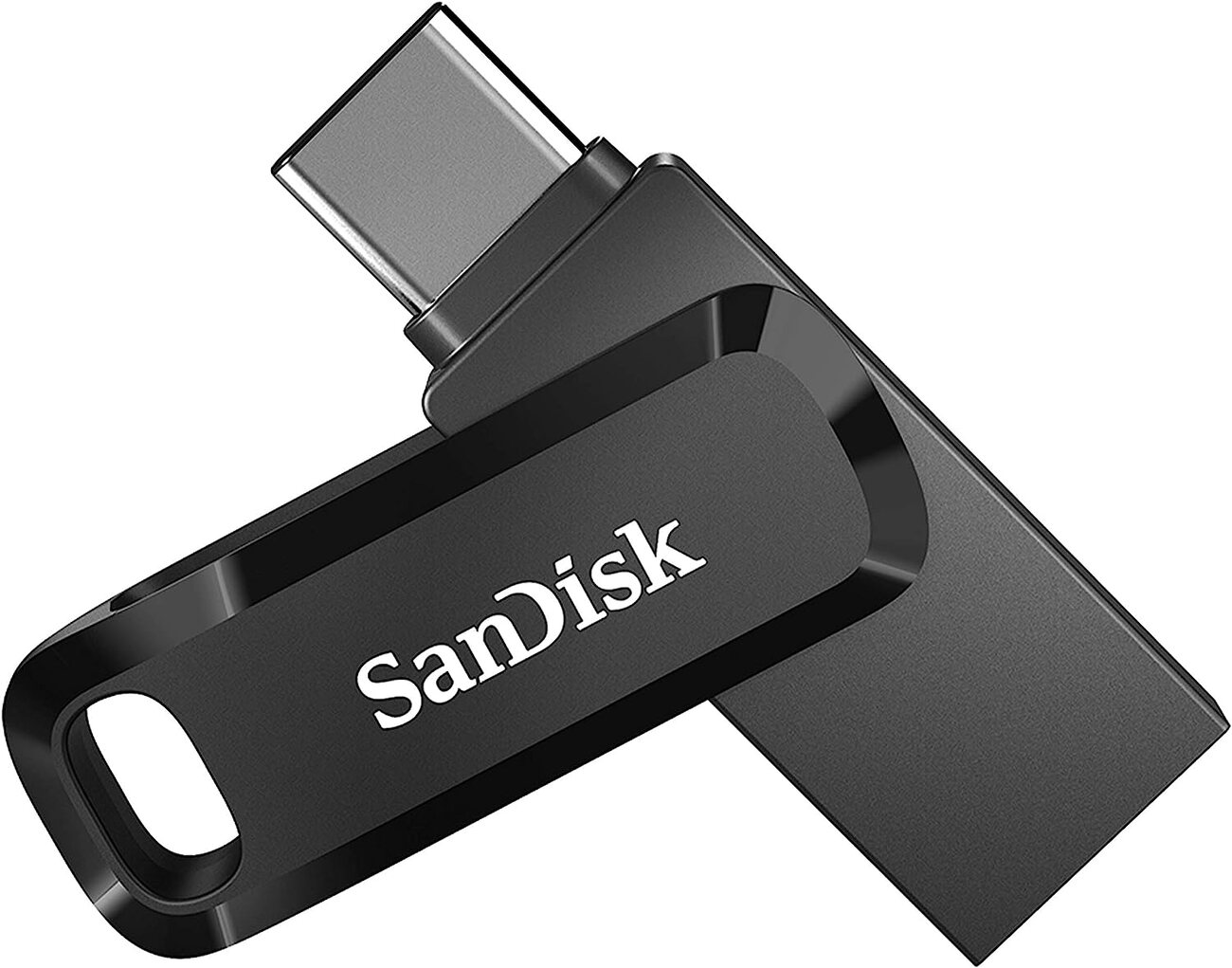
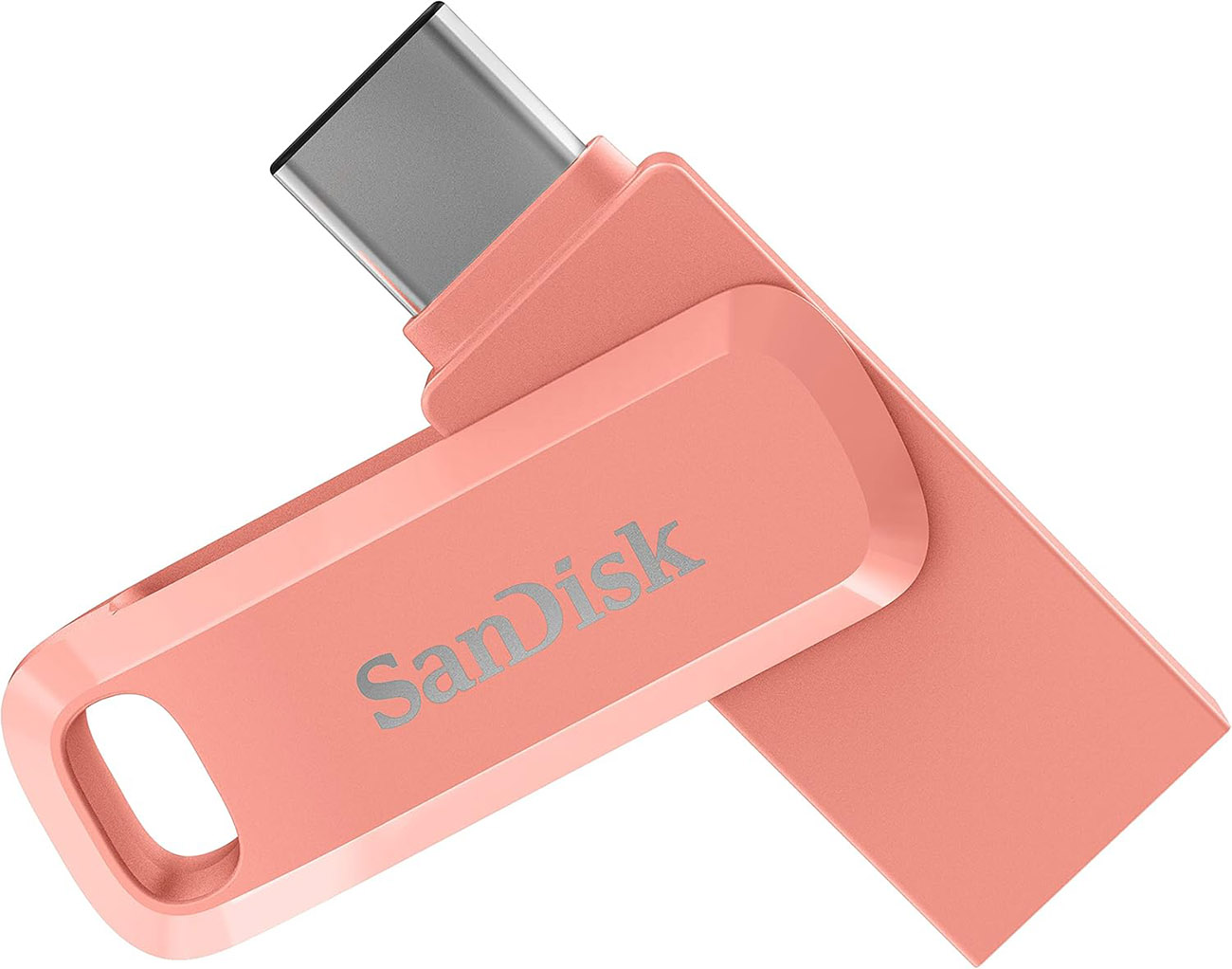
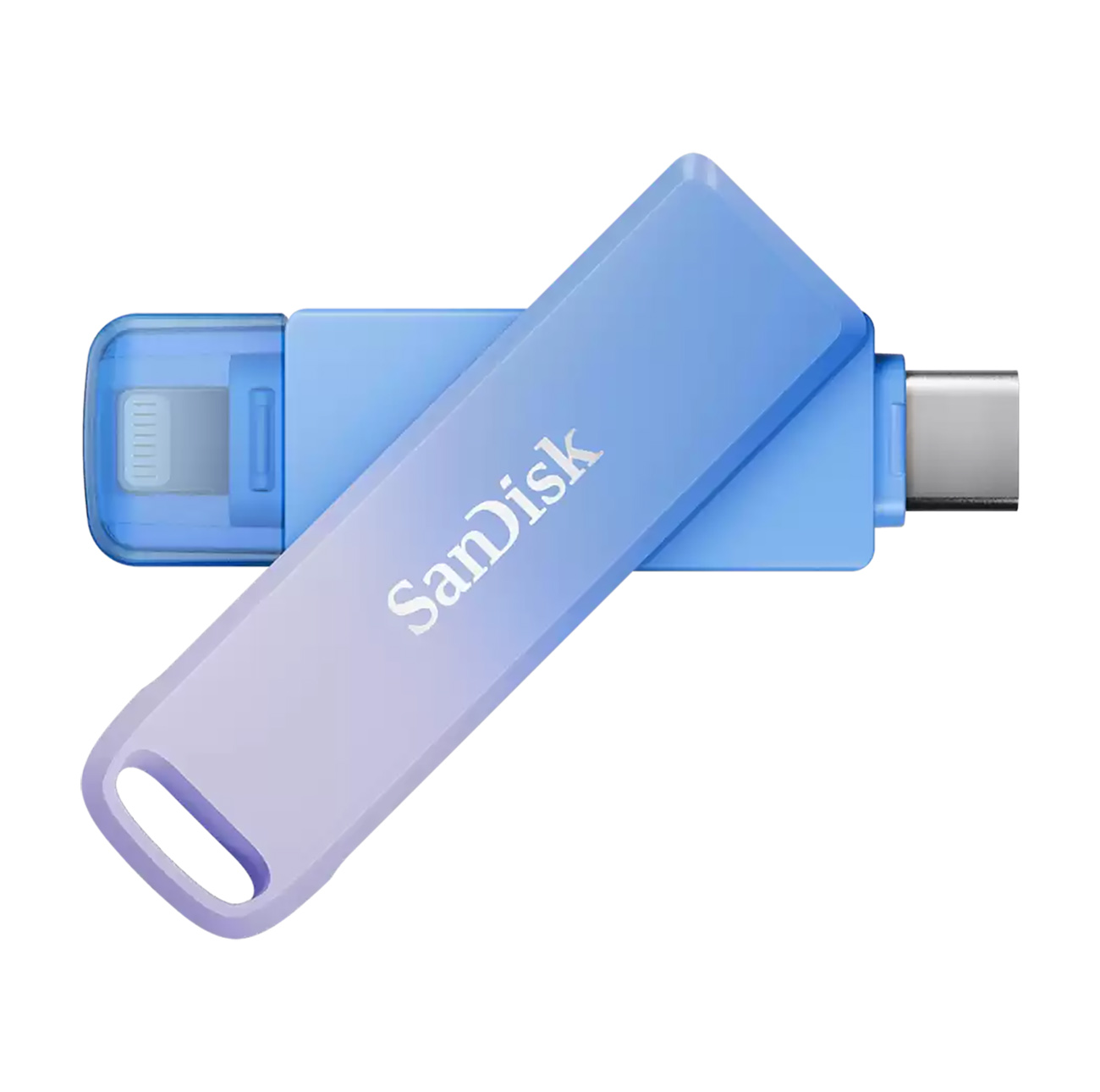
SanDisk Ultra Dual Drive Go / 512GB Capacity / Flash Drive for Phones & Tablets / USB & Type-C Ports
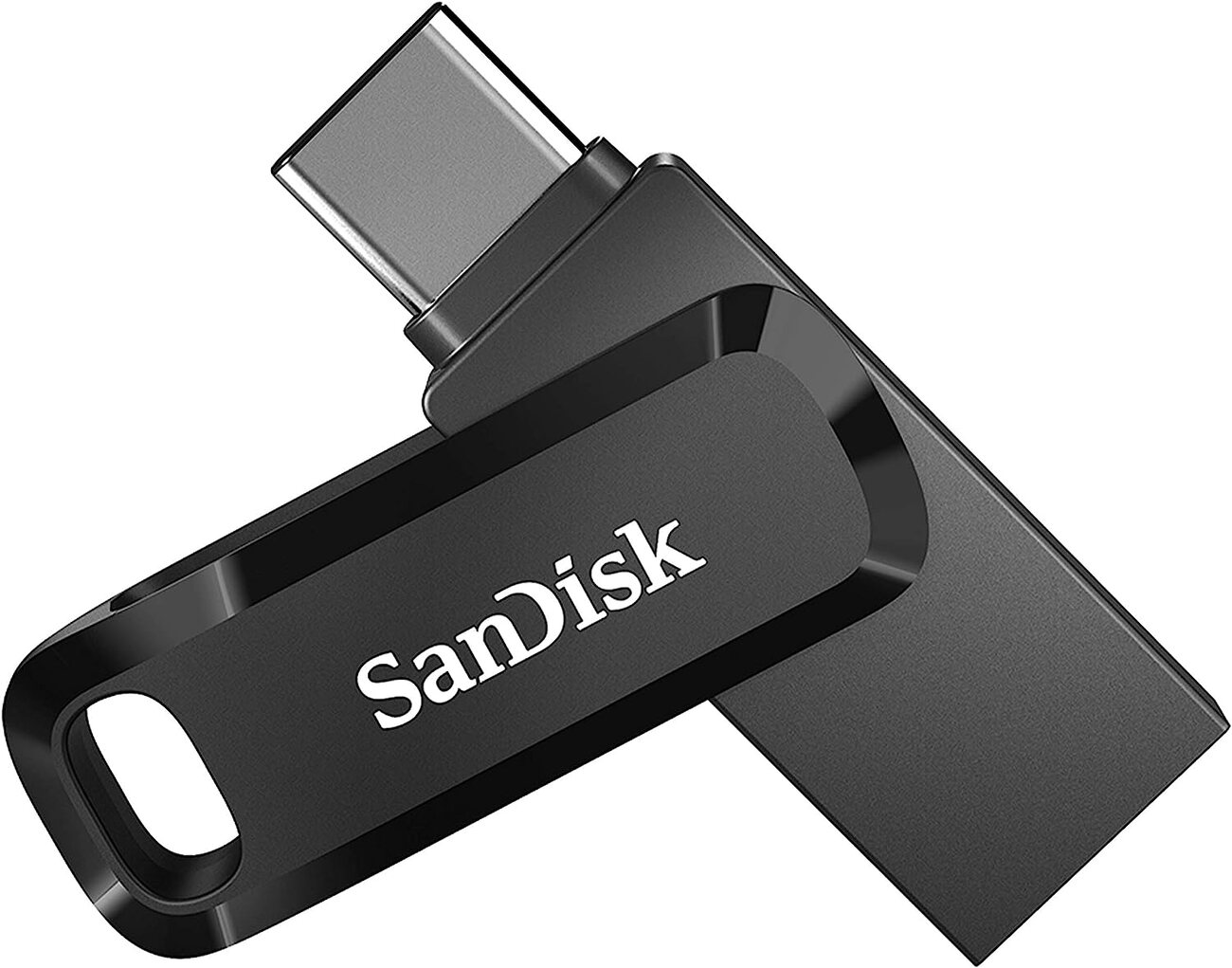
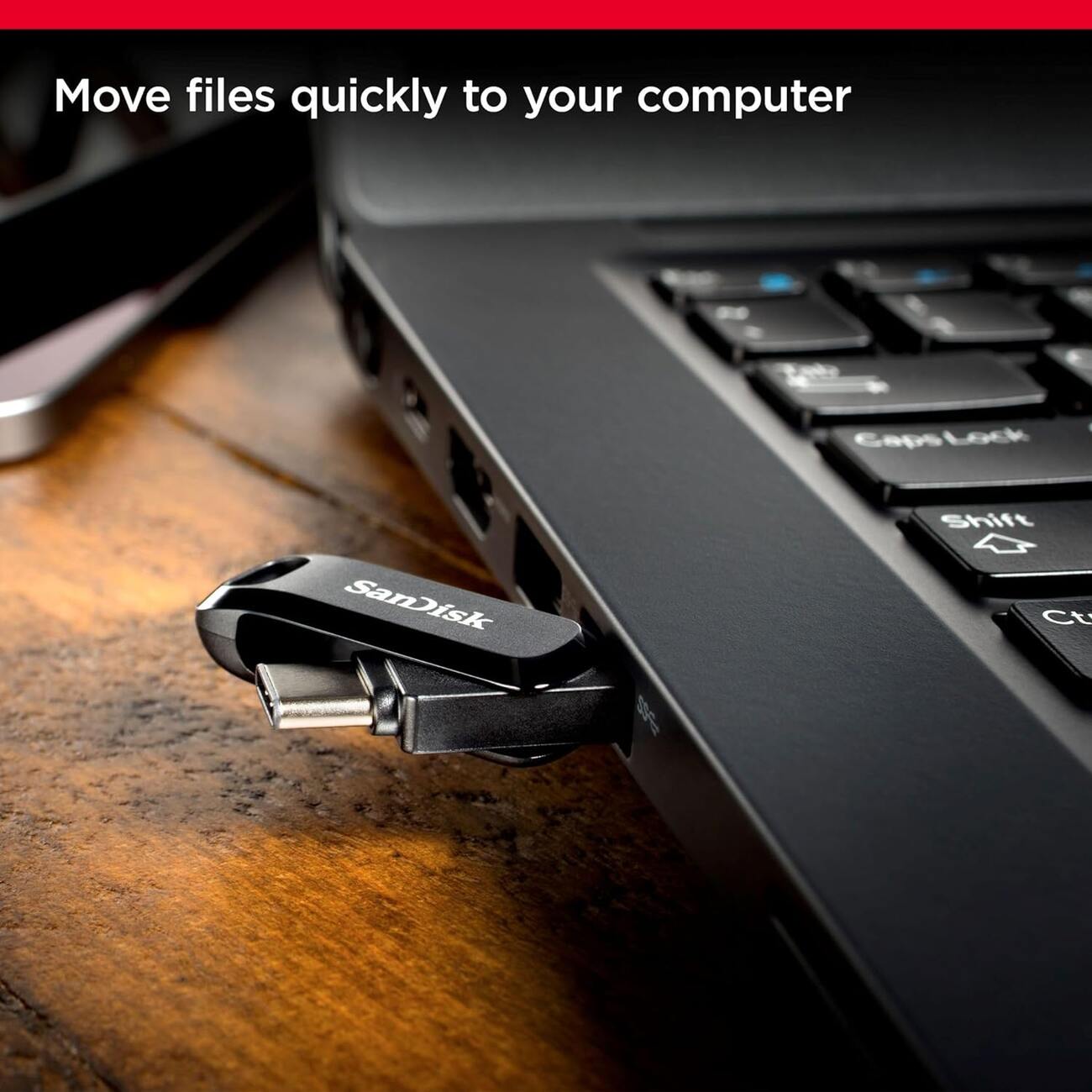
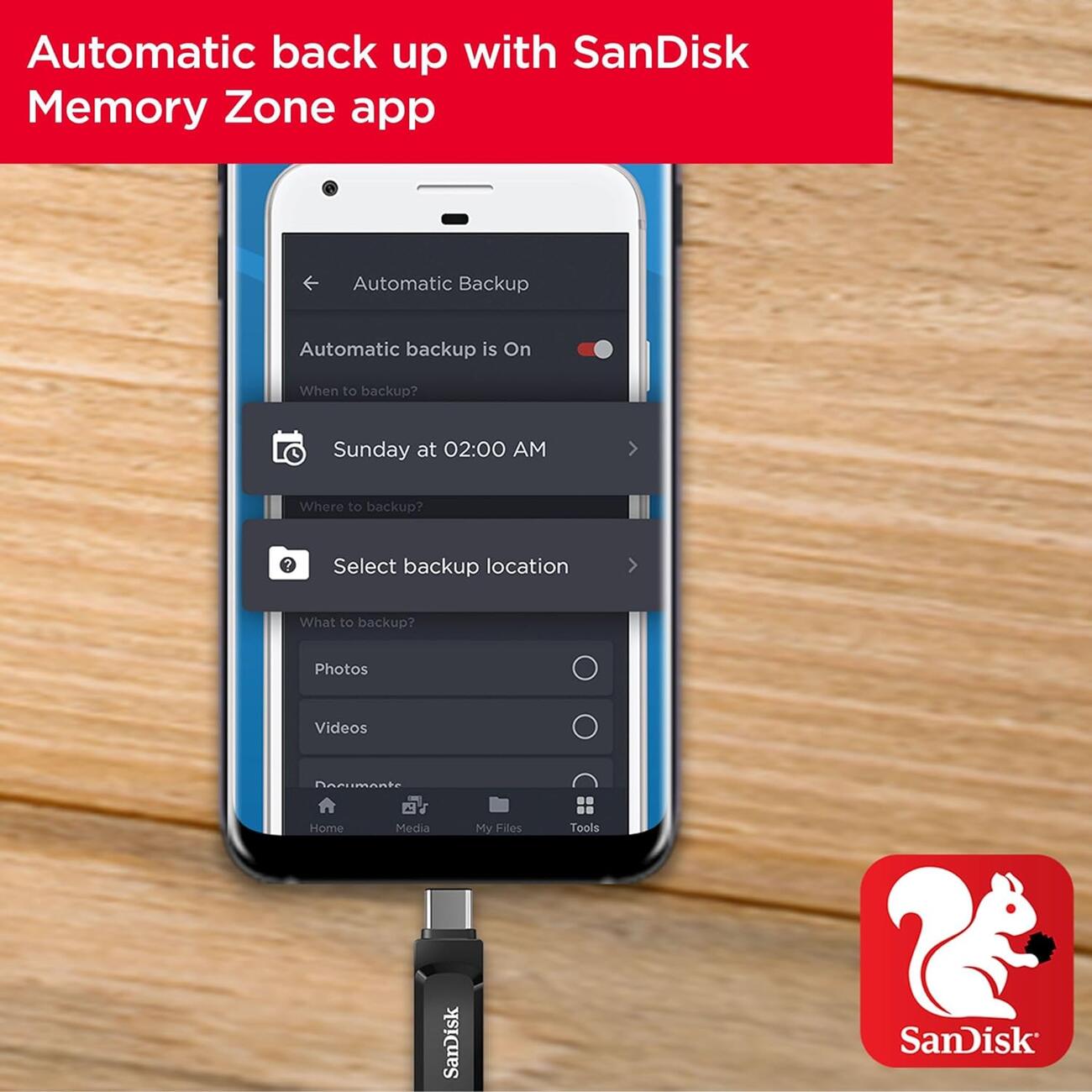
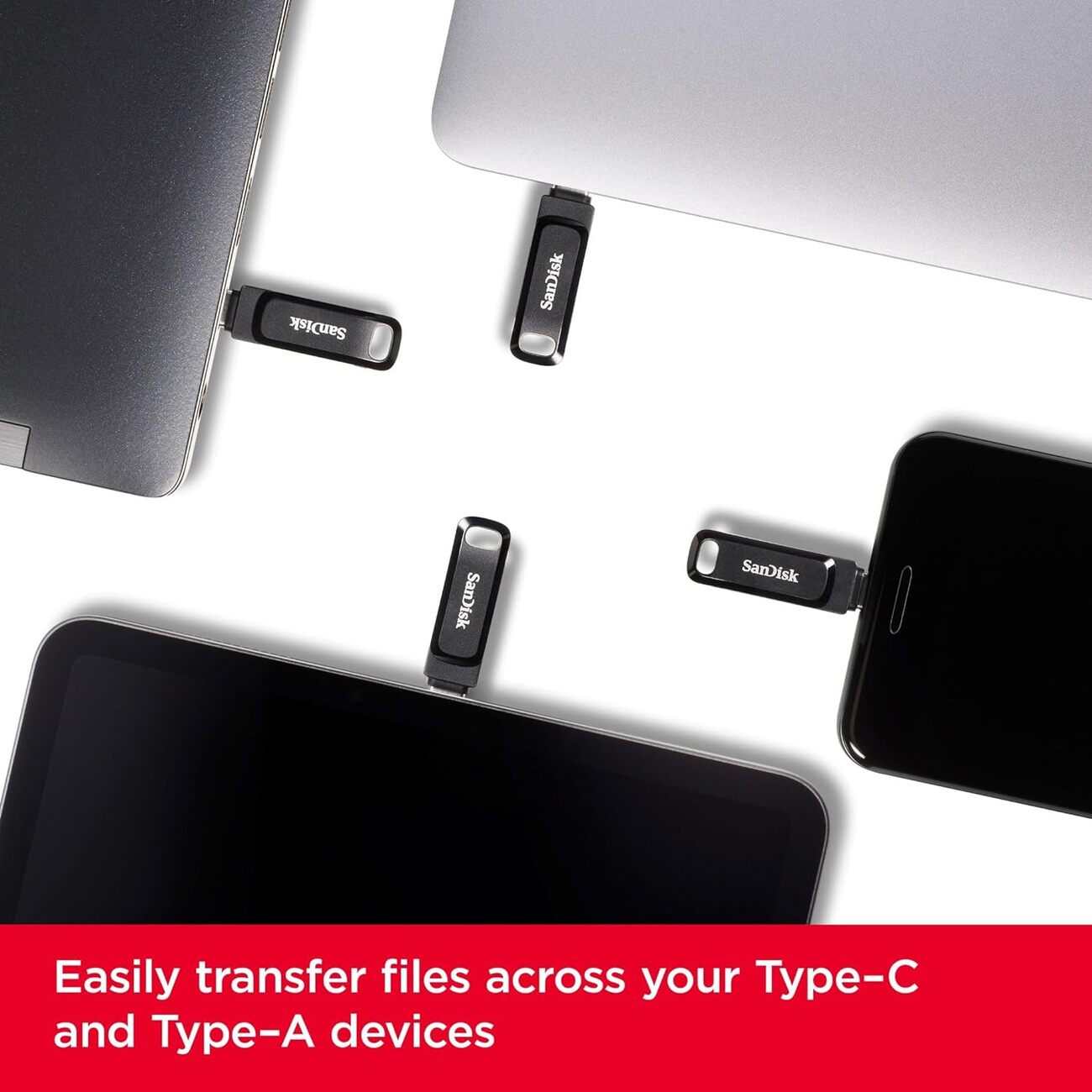
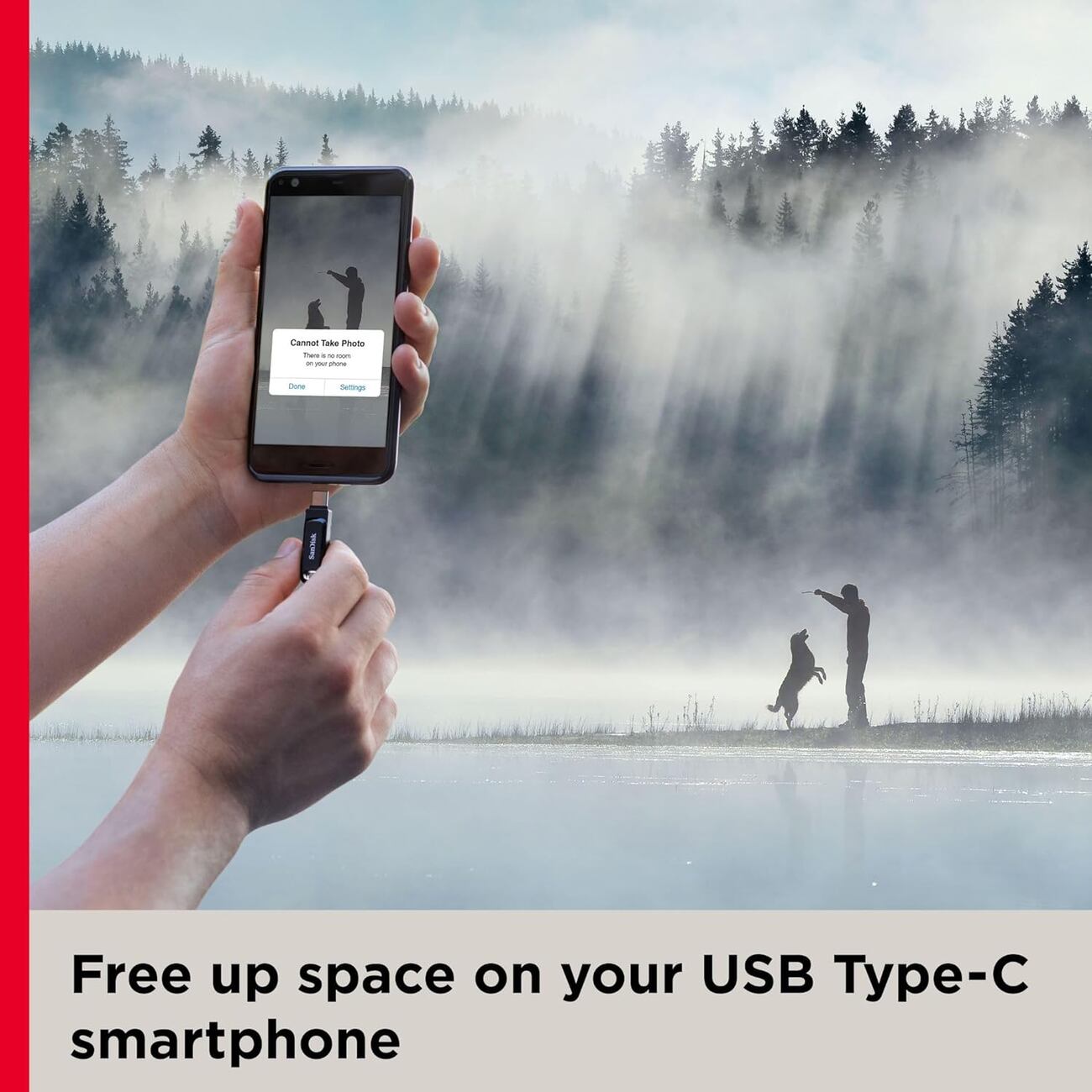
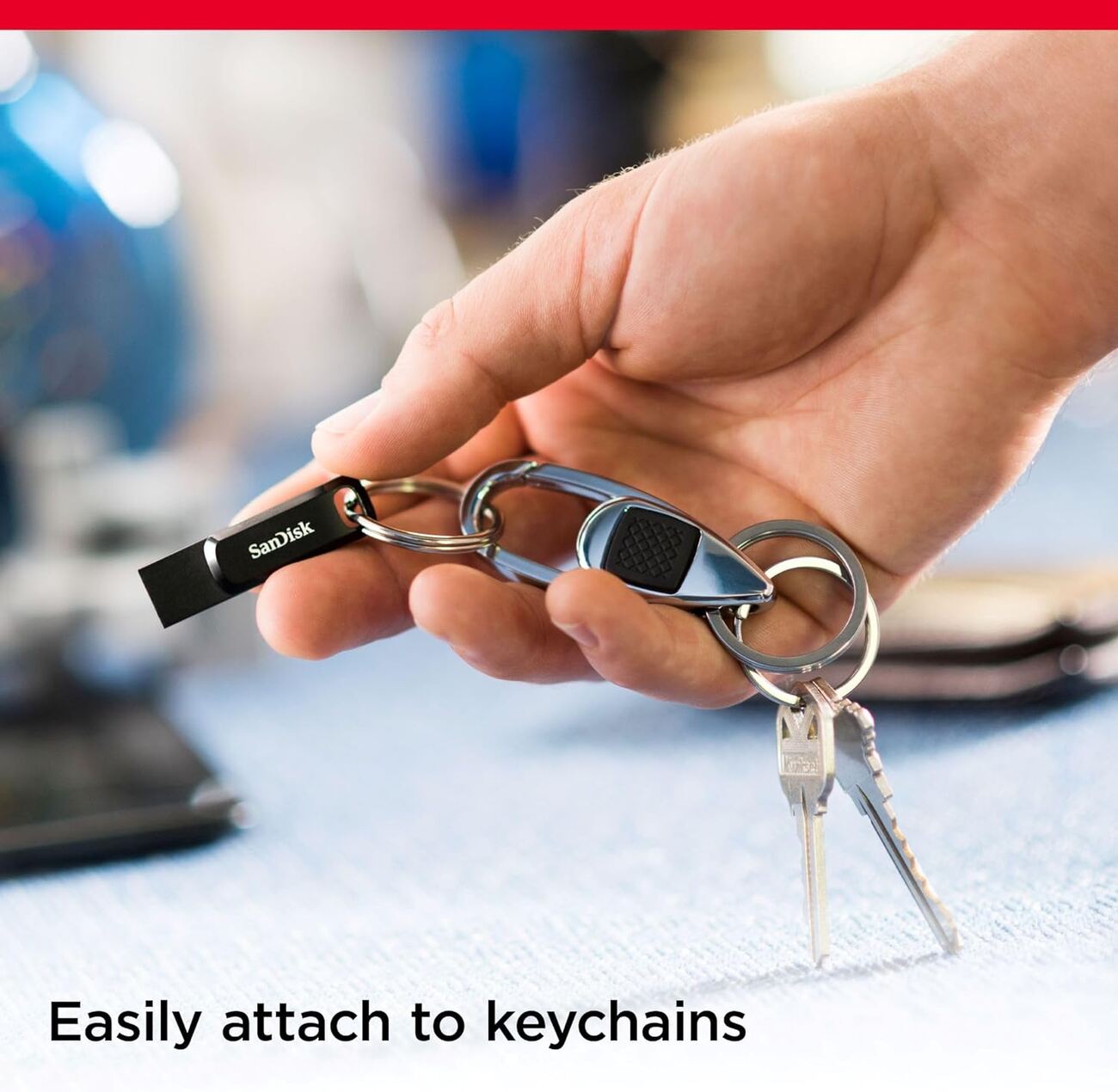
SanDisk Ultra Dual Drive Go / 512GB Capacity / Flash Drive for Phones & Tablets / USB & Type-C Ports
299.00QAR
Pay in 4 Payments ! No interest !

How to Use:
- After connecting the flash drive to your phone .. wait a few seconds then open the Files app.
- In the Browse section .. you will find a folder named SanDisk.
- Open the Photos app and select the photos you want to transfer to the flash drive.
- Tap the Share button, choose Save to Files, then select the SanDisk folder.
- Your photos will be saved there and will appear every time you connect the flash drive to your phone.
Product Features
- Phone storage full? Here’s the ...